How do you automate Anomalies?
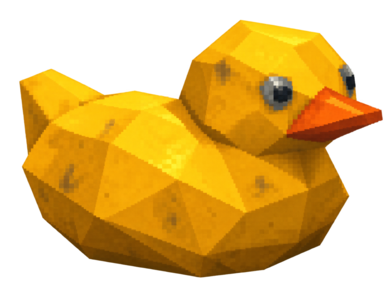
Prepare a complete recipe in the Anomaly workbench (Cauldron), activate it, then automate the button with Intern Substitute if unlocked. For enhanced quality, supply one Duck, one Cash Register, and one intact Piñata per batch. Balance the inputs and give finished Anomalies a clear exit before increasing production.
Anomaly recipes in v1.0.8
The official v1.0.8 announcement confirms three quality tiers. Every recipe uses three products; the number of different product types determines quality.
| Quality | Composition | Example |
|---|---|---|
| Lower | Three identical products | Duck + Duck + Duck |
| Normal | Three products across two types | Duck + Duck + Cash Register |
| Enhanced | One of each type | Duck + Cash Register + Piñata |
The named ingredients are documented in Limpas’s release-build achievement guide. Older instructions requiring one of each describe the enhanced recipe, rather than every valid v1.0.8 recipe. The patch does not publish quality multipliers or a fixed payout.
1. Make one batch by hand
- Reach the Anomaly unlock and check your installed patch. The progression guide covers the earlier phases.
- Pause incoming production while testing. For enhanced quality, set aside one Duck, one Cash Register, and one intact Piñata.
- Load that set into the Cauldron and activate the workbench. No special ingredient order is established by the cited sources.
- Check that an Anomaly appears and move it away from the input area. Repeat a controlled batch before changing the supply lines.
If this fails, resolve the ingredient or activation problem first. Faster delivery cannot fix a workbench that has not completed one cycle.
2. Use Intern Substitute for activation
Players describing their Cauldron setups report attaching the intern to activate crafting when ingredients are available. If you have Intern Substitute, attach it to the workbench and test with another complete recipe. This is a community method documented before v1.0.8.
The helper operates the button; it does not deliver missing ingredients. If manual activation works but the helper does not, check its placement before rebuilding the transport.
3. Keep inputs visible and balance their arrival
Start with short, separate supply paths. Keep one visible batch ready near the Cauldron so you can identify the missing product immediately. This is a suggested debugging arrangement, not a measured factory blueprint.
Suggested staging flow
Duck buffer + Cash Register buffer + intact Piñata buffer → Cauldron with Intern Substitute → clear output path
Keep the approach open for bulky products. Test the Duck, Register, and Piñata handoffs separately before running all three together.
In Payne’s community automation layout, excess input is diverted and scheduled to prevent an uneven supply from clogging the machine. Use that principle rather than copying its timer values: production rates, placement, and startup timing change the result.
If Ducks accumulate while Piñatas are missing, reduce Duck delivery and trace the Piñata path. For help with those handoffs, see Cash Register automation and Piñata automation.
4. Clear the output before scaling
Watch where a finished Anomaly travels. Keep its exit separate from incoming products so a rebound cannot block the next batch. Payne’s older layout uses portals to transfer output toward the Maw; it is an optional community example, not a requirement.
Choose the destination before leaving the line running. If you are preparing the secret-ending route, set aside Anomalies for the Percentage Pipe and check the route before continuing the main-ending feed.
Anomaly automation troubleshooting
| What you see | First check |
|---|---|
| Ingredients arrive, but crafting never starts | Test manual activation, then check Intern Substitute placement. |
| Piñatas break before reaching the bowl | Follow one Piñata; reduce the collision or drop at its first failure point. |
| Two inputs pile up; one never arrives | Stop adding the plentiful inputs and inspect only the missing lane. |
| Products rebound out of the input area | Pause delivery and test one batch without the accumulated backlog. |
| A crafted Anomaly obstructs the next cycle | Move the output path away from the ingredient approach. |
Pause production before cleanup. Move aside products you need to keep. The official Clear Items command deletes loose products without paying for them; use it only when you are ready to discard the test stock.
Sources and visual reference
Recipe composition and cleanup behavior come from official Steam updates v1.0.8 and v1.0.5. The linked Steam guides and player discussion document older community setups. No universal throughput, timer, or layout dimensions have been verified here. Sources reviewed November 12, 2026.
Check the goal of your Anomaly line
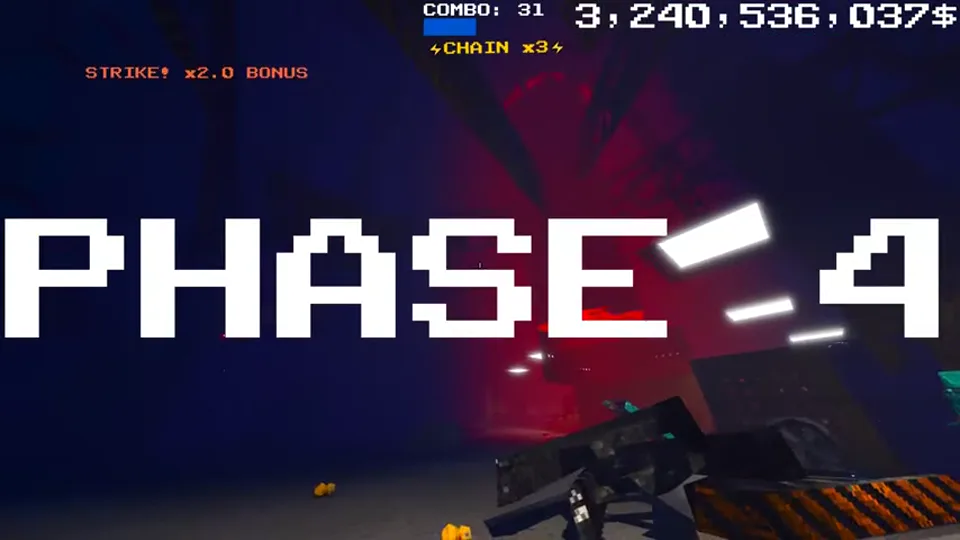
For the production ending, follow the normal-ending guide and watch phase progress. Feeding the Percentage Pipe for the secret route is a different objective; no universal Anomaly total is established here.